Bonsai
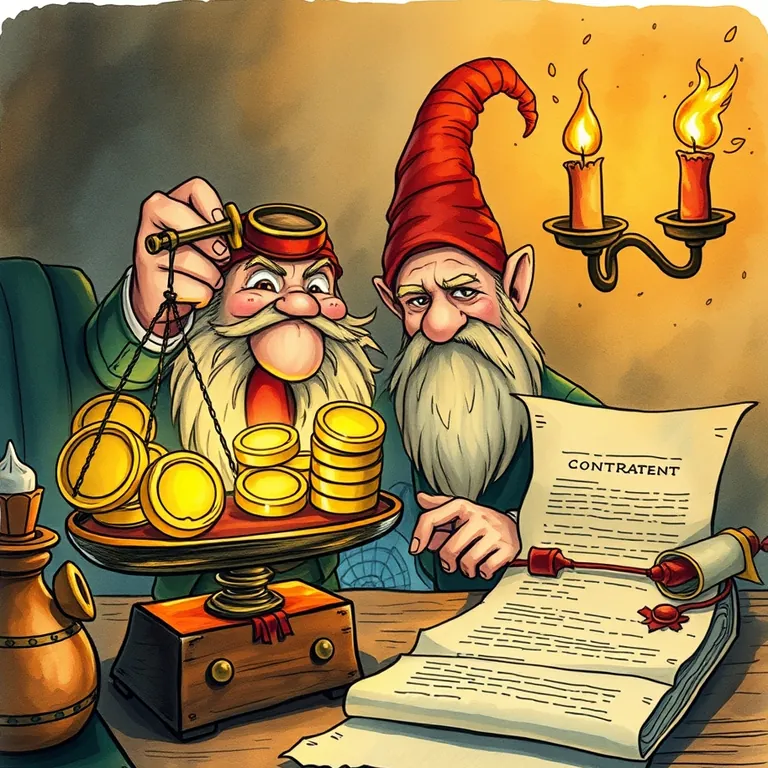
He'd automated the invoice, the contract, and the follow-up letter. The actual client work remained stubbornly manual.
Bonsai is best used for handling contracts, invoices, and client communication for a one-person operation without hiring a separate scribe for each task. A solo adventurer taking on client work needs the paperwork handled without a whole guild's back office. This is built for exactly that scale. It lands at #20 of 51 on Solos Gems (7.2/10) for client management.
He'd automated the invoice, the contract, and the follow-up letter. The actual client work remained stubbornly, defiantly manual, which is really the whole point of being a solo adventurer.
- Value for price7.5/10
- Capability7/10
- Ease of use7/10
- Trial safety7.5/10
Best used for
Handling contracts, invoices, and client communication for a one-person operation without hiring a separate scribe for each task.
How it helps the realm
A solo adventurer taking on client work needs the paperwork handled without a whole guild's back office. This is built for exactly that scale.
Boons
- Contracts, invoices, and time tracking live in one place instead of three separate scrolls.
- Templates for contracts and proposals save real time versus drafting from nothing.
- Built specifically for freelancers, so it doesn't drag in bloated team features you'll never use.
Curses
- As your operation grows past a solo act, you may outgrow what it's built for.
- The all-in-one approach means each individual feature isn't as deep as a dedicated specialist tool.
Common questions
Is this meant for a team or a solo operator?
It is built primarily for freelancers and very small teams, not larger organizations.
Does it handle both contracts and invoicing?
Yes, both live in the same platform along with basic time tracking.
Can clients sign contracts electronically through it?
Yes, e-signature is built into the contract workflow.